Press the green button, check one box, and their number is there to tap.
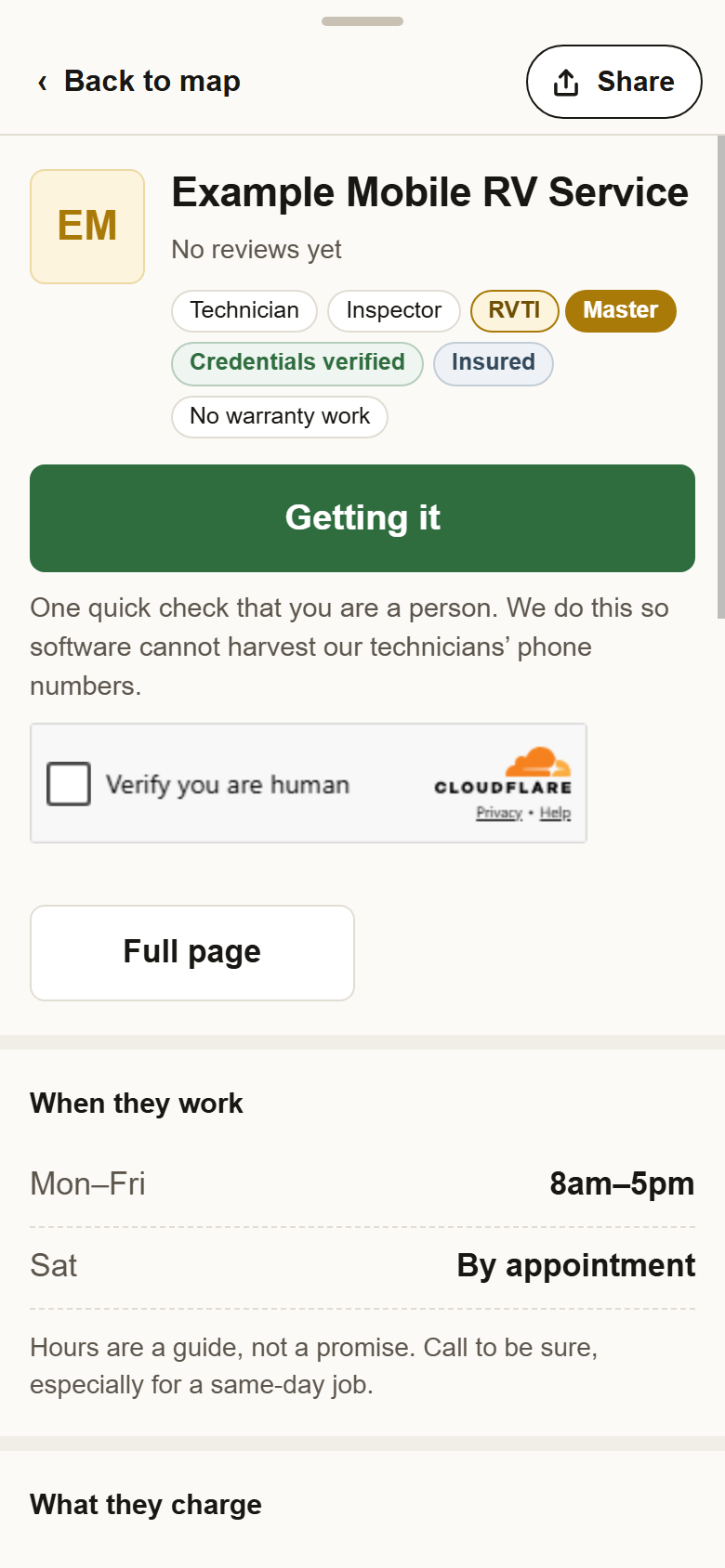
The check that you are a person stops software from harvesting our technicians' numbers. One check covers you for the next few hours; after that the numbers show right away.
That is more than anybody needs and far fewer than a scraper wants. If you hit it, the number is on their full page as well.
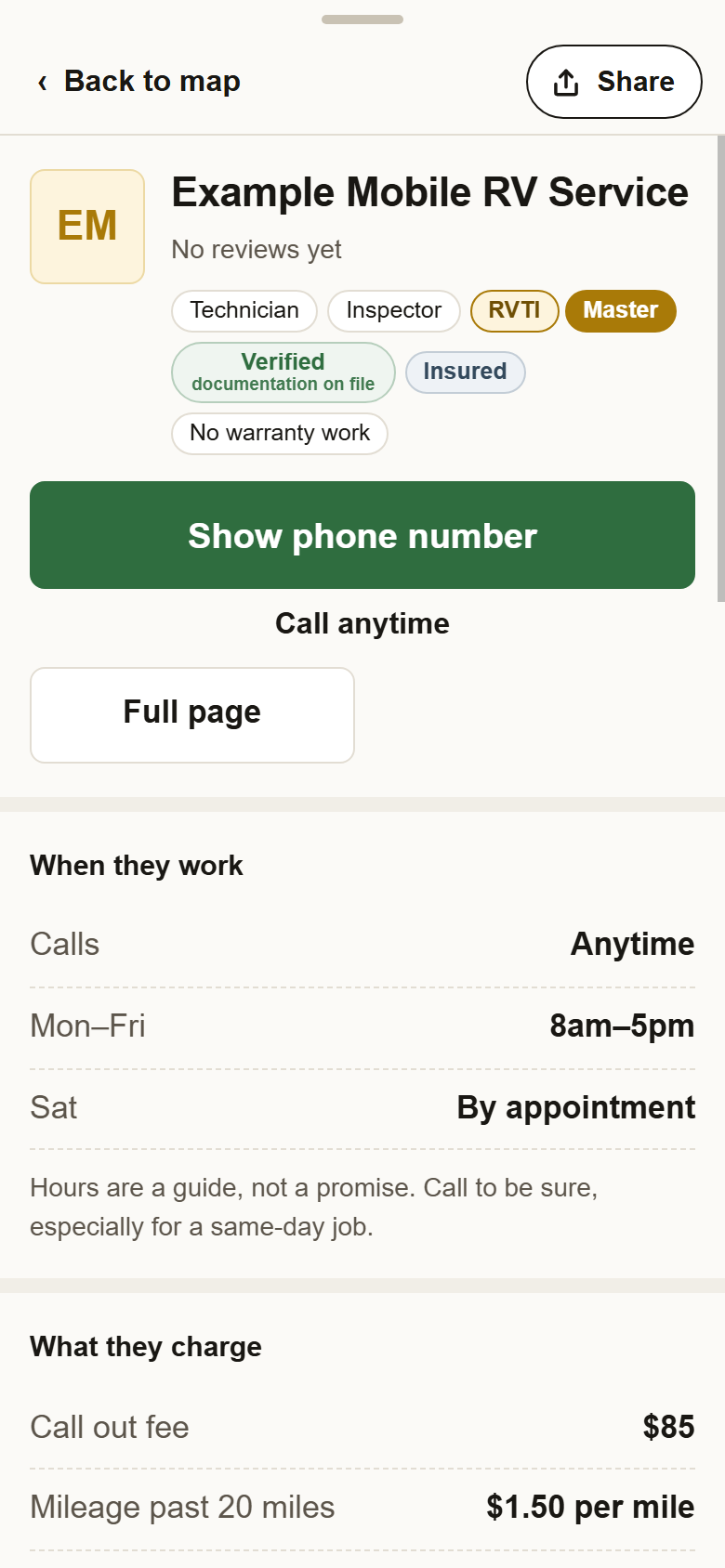
1On their card, press Show phone number. Cards open when you tap a pin or a name in the list. In the list itself, the blue Call next to each name does the same. Call anytime under the button means the technician takes calls at any hour.
2Check Verify you are human. One check covers the next few hours. The number takes the button's place: tap it to call, and Text is beside it when they take texts.
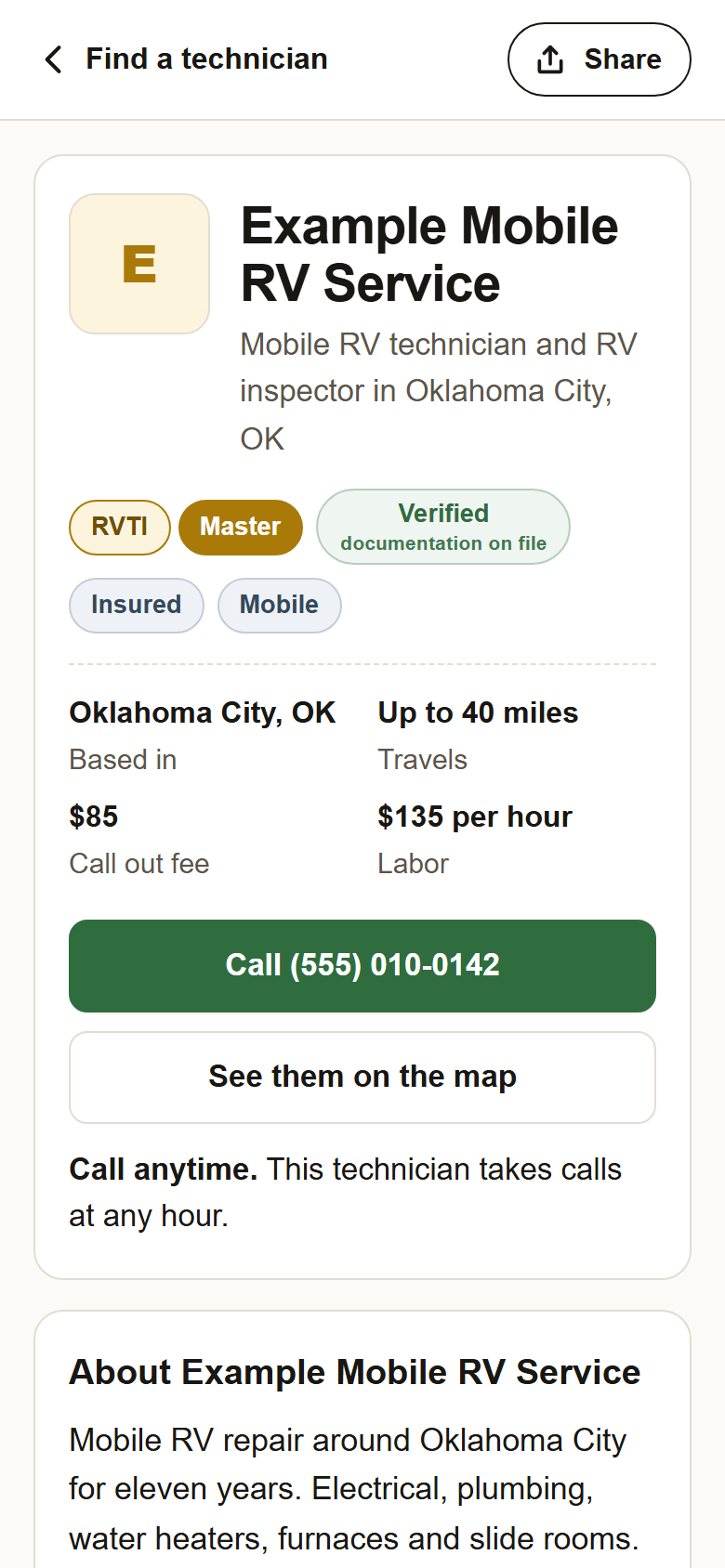
3Or call from their full page. The page has the number on its green button and again at the bottom, with no check.
4Worth asking before they set out. The call out fee and whether it comes off the bill. The hourly rate and any minimum. Whether they carry the part. When they can come. Not taking work right now on a listing means they are away; try the next one.
?Still stuck? No Show phone number button means the technician has not published a number; use Website if there is one. If the check will not load, refresh the page. Anything else, write to support@yellowpagesrv.com.
 Yellow Pages