Type where you are, or press Near me, and the closest technicians are listed under the map.
You never sign in or pay anything to search, see rates or call.
Every technician pays the same flat fee to be listed. The order is distance from the place you typed, nothing else.
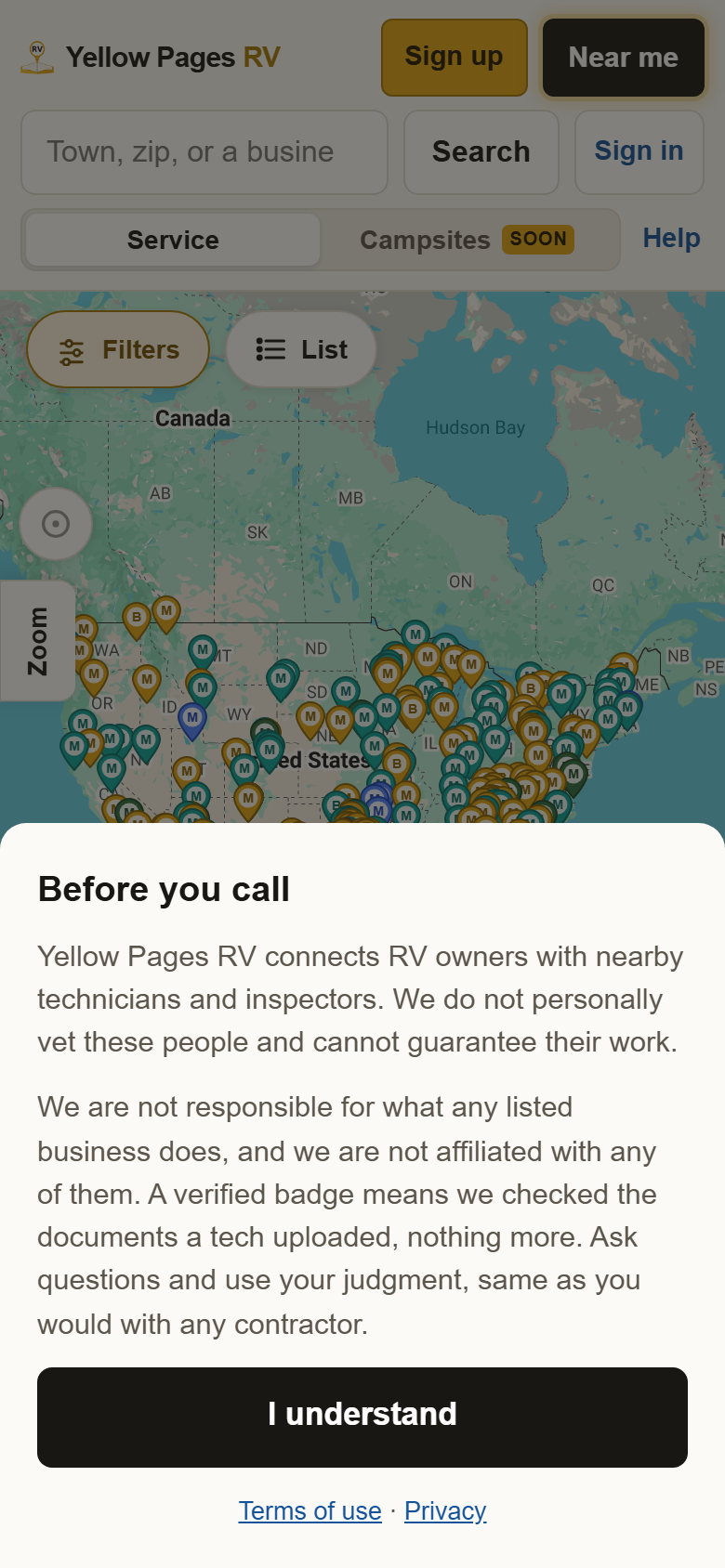
1Press I understand. The notice says it once: we list technicians, we do not vet them, and a Verified badge means only that the technician has put documentation on file.
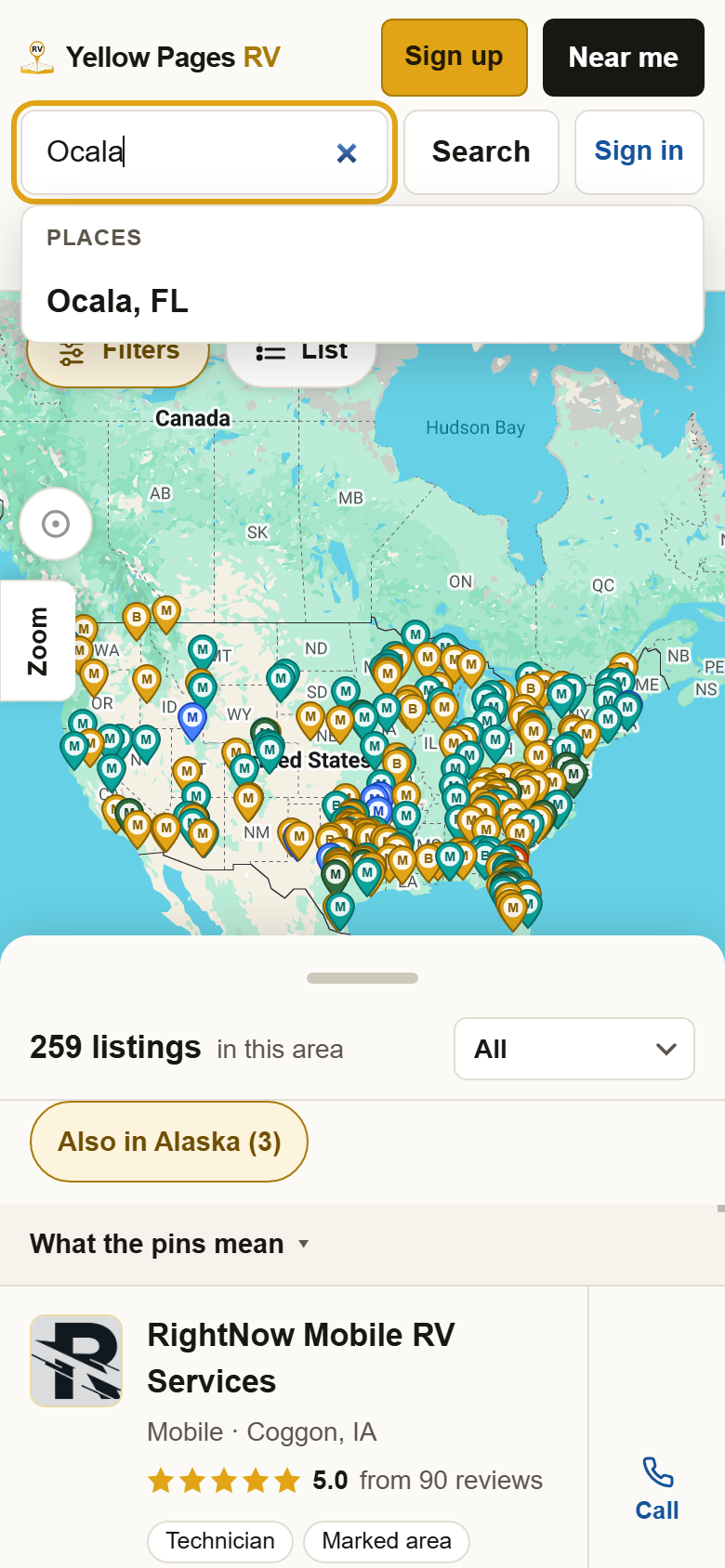
2Type your town or zip, and pick it from the list. Or press Near me. Near me uses your phone's location, so say yes if it asks. The list under the box only offers towns that a technician actually reaches.
3Read the list under the map. It says how many are near you, closest first, with how far each one is, their rating and a Call button. Drag the gray bar up for the whole list and down for more map.

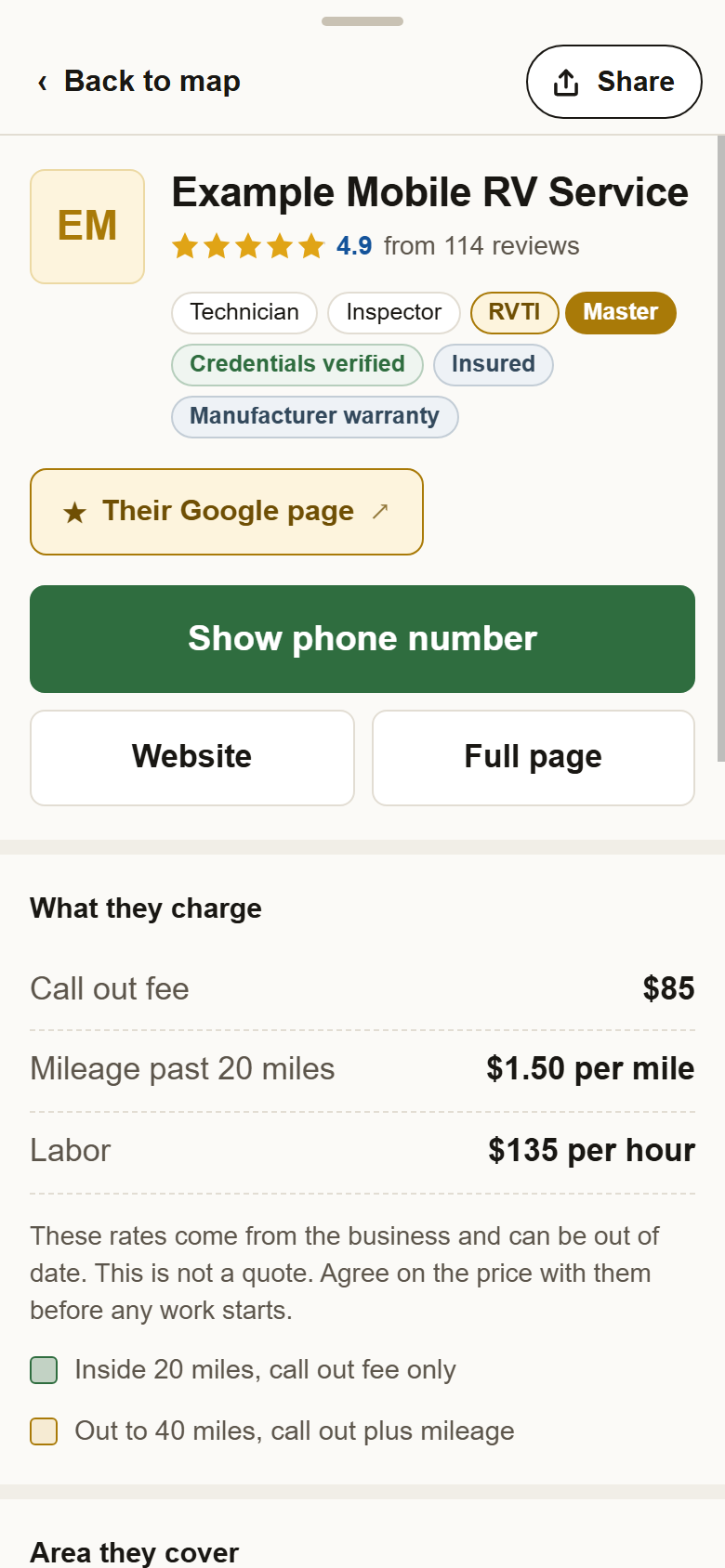
4Tap a pin, or a name in the list. Their card opens: rating, what they do, their rates and the area they cover. Show phone number is the green button. Full page has everything they have told us. Back to map takes you back to your list.
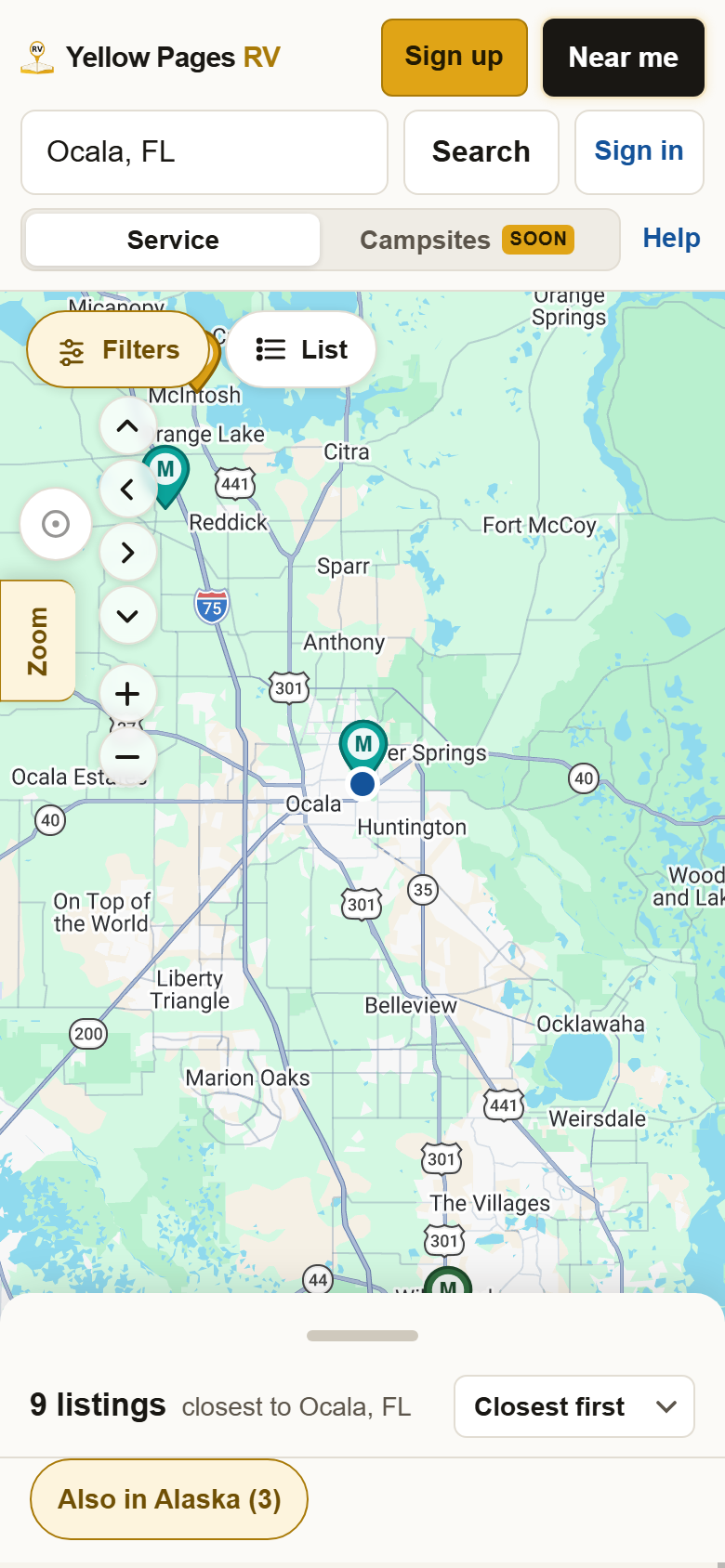
5Move the map with two fingers, or press Zoom. The Zoom tab on the left opens plus and minus and four arrows. Nobody near you? Press minus a few times: the list fills as the map widens.
?Still stuck? If the list says Nobody here yet, zoom out or clear any filter you set. Nobody within reach at all? Try the List view, which shows every technician in your state however far. Anything else, write to support@yellowpagesrv.com.
 Yellow Pages