Owners press Filters on the map and check off what they need. Every filter reads one box on your profile. Untouched box, invisible to that search.
Forty checked boxes make you look like everybody and gets you calls you do not want. The twelve you are good at make you the obvious choice for those twelve.
An expired certificate drops out of the filter on its expiration date. Update it under What you hold and it is back.
1What each filter reads, and where it is on your profile.
| Owners check | Feeds from |
|---|---|
| Repairs, Inspections | Your name and badges: RV technician, Inspector |
| Detailing, Winterization | Rigs and work: Work you do, under the Detailing heading: Detailing and washing, Winterizing and de-winterizing |
| Engine and chassis | Your name and badges: Engine and chassis |
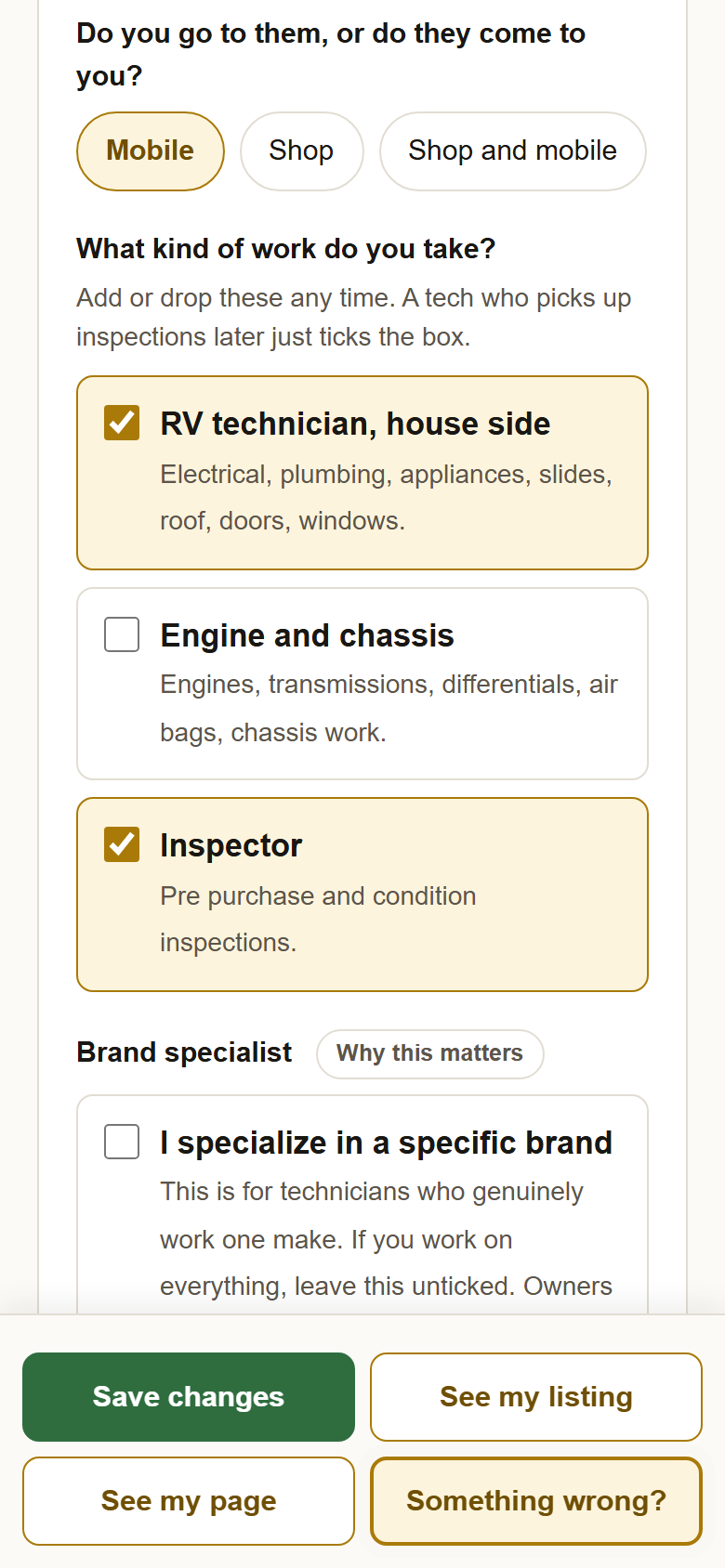
| Mobile, Shop, Shop and mobile | Your name and badges: Do you go to them, or do they come to you? |
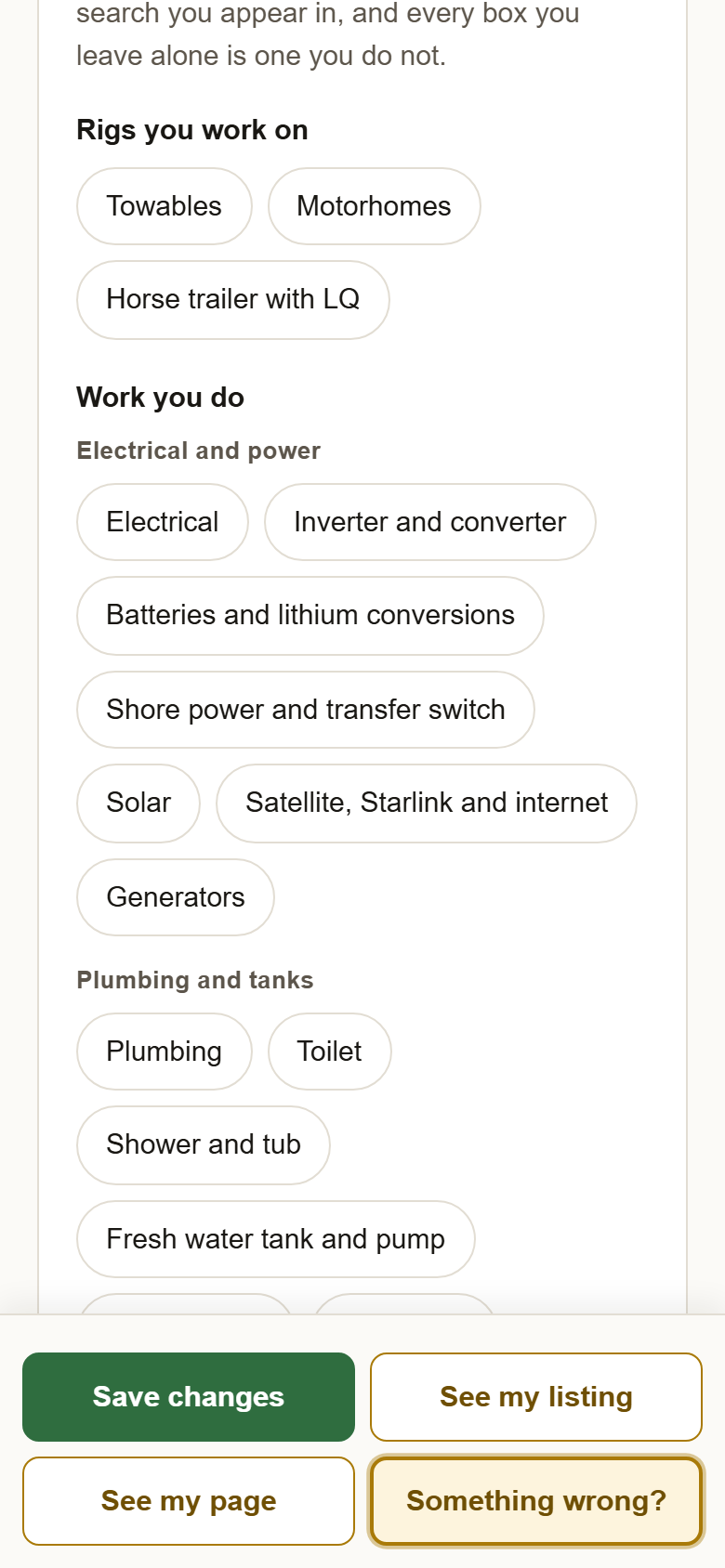
| Your rig | Rigs and work: Rigs you work on |
| What you need done | Rigs and work: Work you do |
| Training and certifications | What you hold, while the certificate is current |
| Warranty work | Your name and badges, under Warranty work: Manufacturer warranty, Extended or third party warranty |
| RV brand specialists | Your name and badges: I specialize in a specific brand, and the brands you pick |
| Named specialists | Your name and badges: I specialize in one kind of work |
2Sign in, open your profile, and check the first card. Mobile or shop, the three kinds of work, and the two specialist boxes are all here. A technician who starts doing inspections just checks Inspector.
3Scroll to Rigs and work and check off your rigs and the jobs you take. Each job is one owner search you appear in. Put your refusals in too, under Work you do not do, and the phone stops ringing about those.
4Press Save changes, then check yourself. Open the map, press Filters, check one of your jobs and your certificate, and press Show. You should be in the list.
?Still stuck? Not showing for a certificate you hold? Check its expiration date under What you hold. Not showing for a brand? The brand box only counts once I specialize in a specific brand is checked. Anything else, write to support@yellowpagesrv.com.
 Yellow Pages