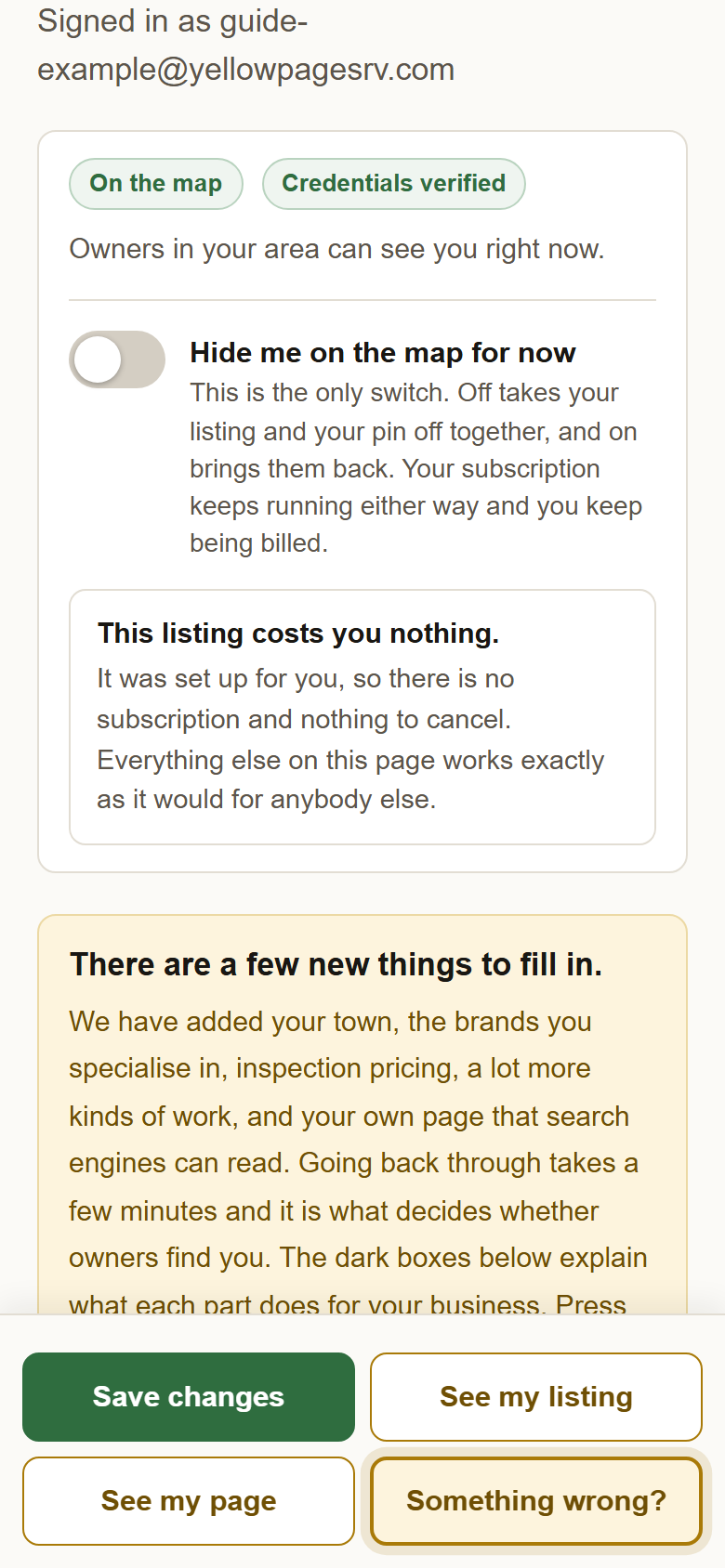
One switch takes you off the map. The same switch puts you back. Nothing else changes.
Hiding is not cancelling. Your subscription runs as normal, so the day you come back you are on the map again with one press.
No pin, no row in the list, and your page says the listing is not on the map right now. Nobody calls you on a beach.
1Sign in and open your profile. Go to yellowpagesrv.com, press Sign in, then the green Face ID or fingerprint button if you have set one up, or type your email and use the code or link that arrives.

2At the top of your profile, switch on Hide me on the map for now. It saves itself; there is nothing else to press. The status above it changes to Hidden by you right away.
3Several technicians and only one away? Check Take this pin off the map for now on that one instead. It is at the bottom of each technician's card under Your technicians and where they work. Then press Save changes. The others stay on the map.
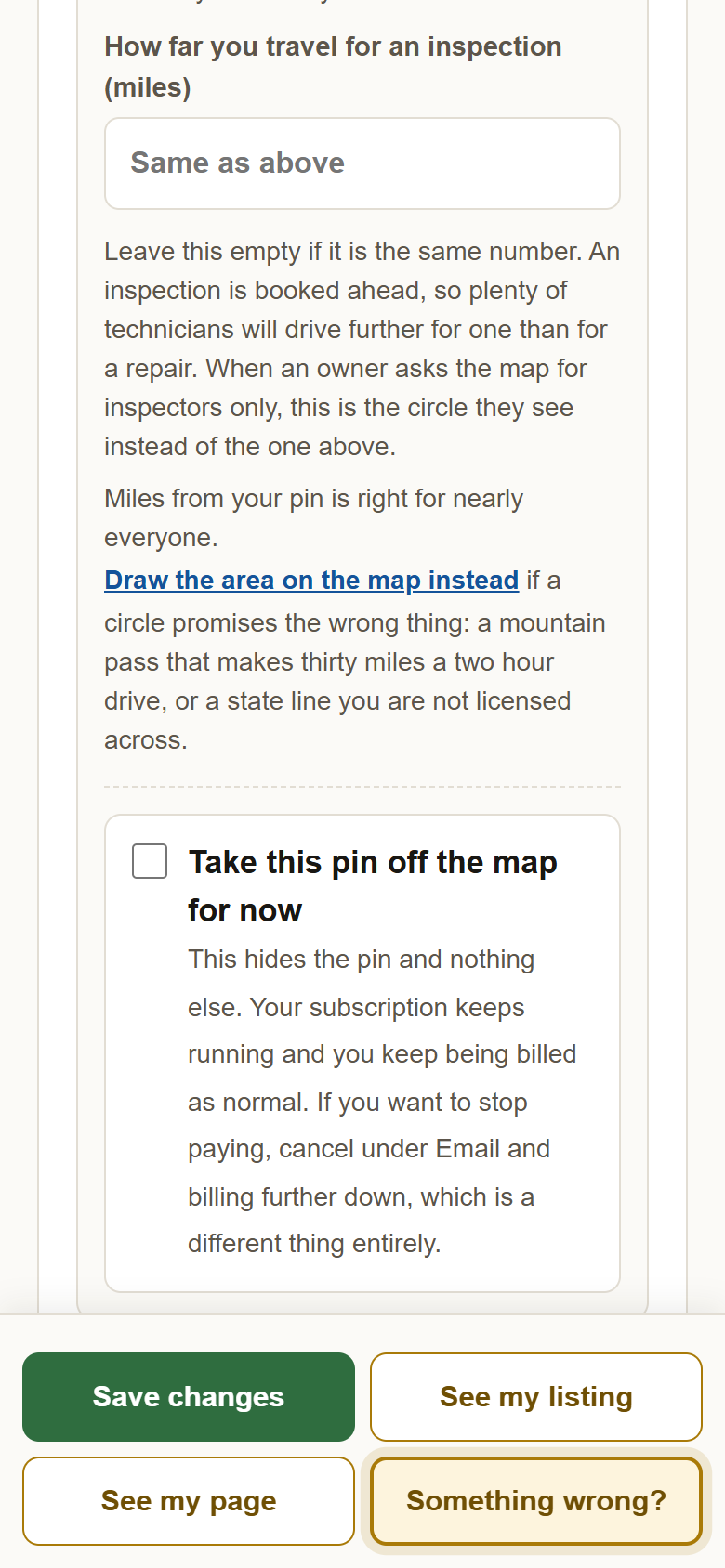
4Back home: switch it off again, or uncheck the box and save. You are on the map the same moment.
?Still stuck? If the switch will not put you back on, the status at the top says why: usually a payment that did not go through. Stopping the subscription altogether is under Email and billing, and your listing stays up until the end of what you paid for. Anything else, write to support@yellowpagesrv.com.
 Yellow Pages