Your pin is where you work from. Your circle is how far you go. Owners decide whether to call from those two things.
Too small and you miss work you would have driven to. Too big and you spend the day turning people down.
Every month or so the profile asks whether your pin is still right. Pressing Save changes is the answer, and it keeps you on the map.
1Sign in and open your profile. Go to yellowpagesrv.com, press Sign in, then the green Face ID or fingerprint button if you have set one up, or type your email and use the code or link that arrives.

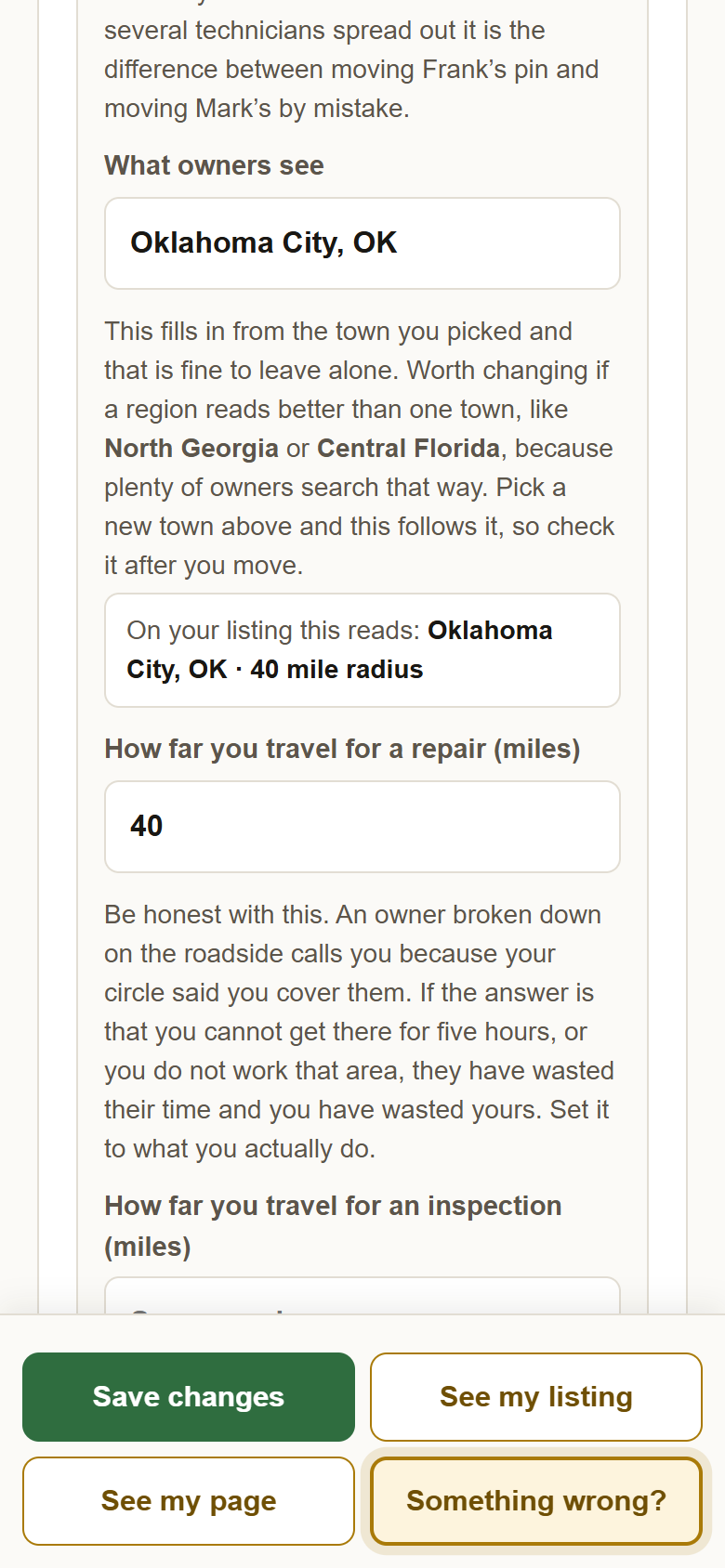
2Scroll to Your technicians and where they work. Type your town or zip under Which town is this and pick it from the list. The pin lands there. What owners see fills in from the town; change it if a region reads better, like Central Florida.
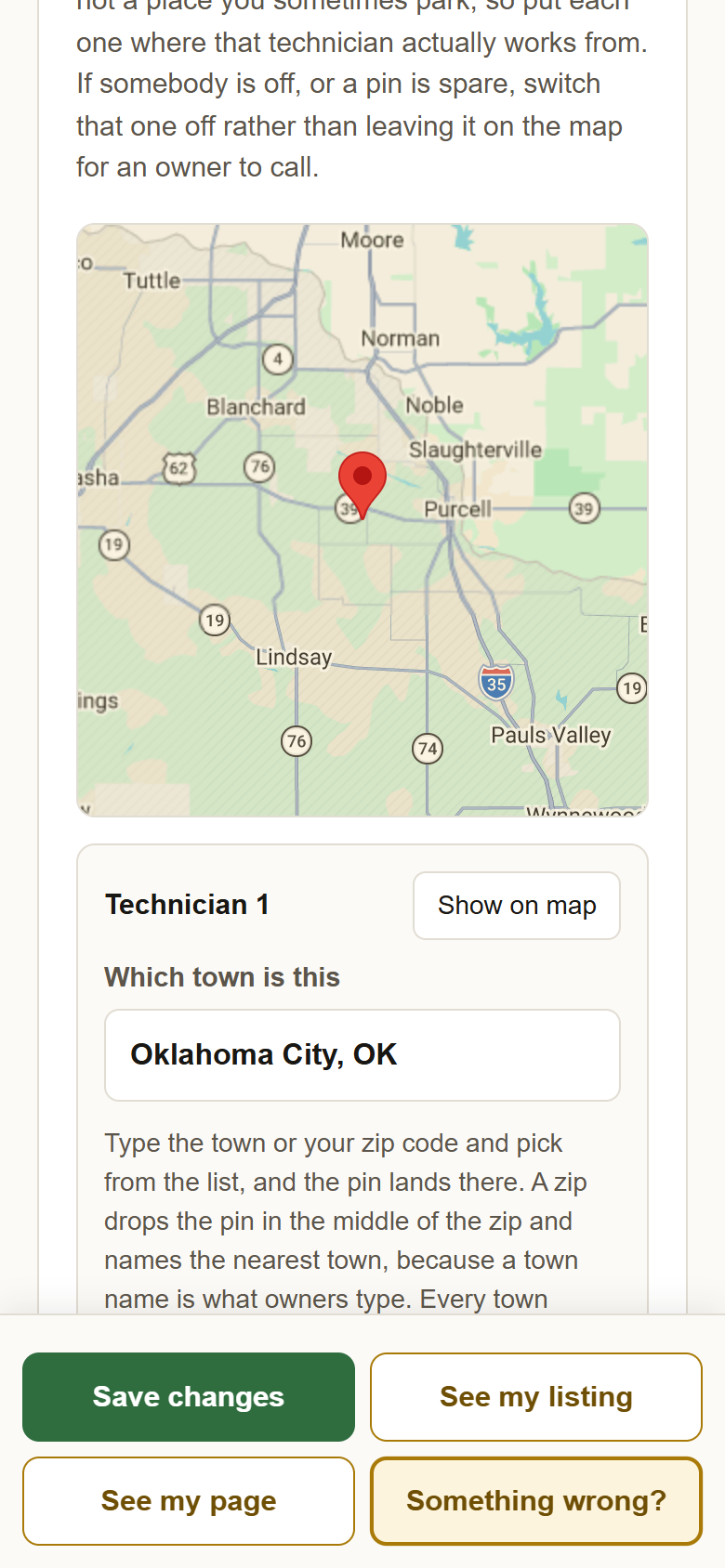
3Drag the pin to exactly where you work from. Press and hold it on the map, then move it. Pinch to zoom in first if you need to.
4Type how far you travel, in miles. How far you travel for a repair draws the circle owners see. For an inspection can be further, since those are booked ahead; leave it empty if it is the same.
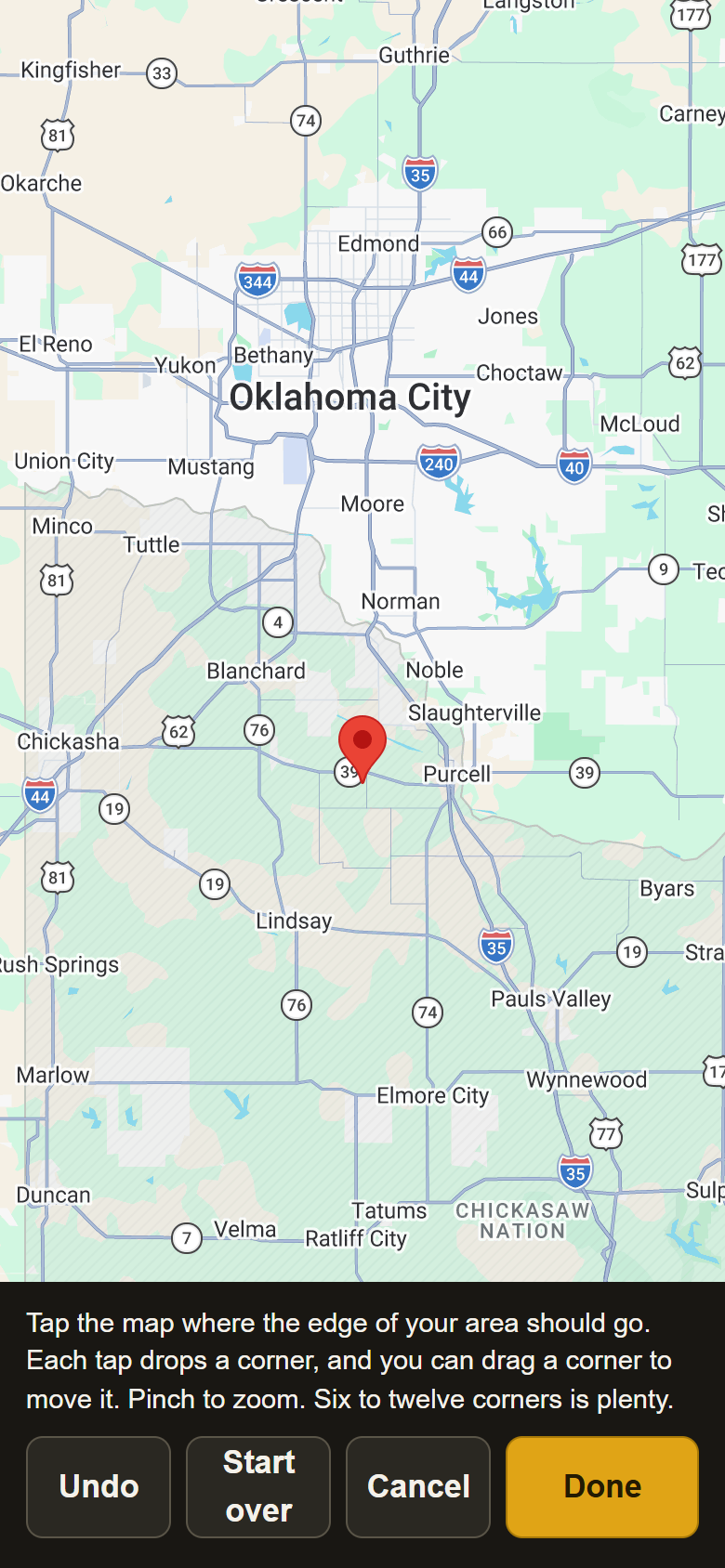
5If a circle promises the wrong thing, press Draw the area on the map instead. A mountain pass, or a state line you are not licensed across. Tap the map where each corner of your area goes, six to twelve corners, then Done.
6Press Save changes. The pin, the circle and the towns on your page all change at once. If the profile says your pin and your town label are far apart, it asks once whether that is what you meant.
?Still stuck? Your town not in the list? Type your zip code instead. Business plan with several technicians: each one has their own pin and circle on this card. Anything else, write to support@yellowpagesrv.com.
 Yellow Pages