The same technicians as the map, as a plain list you can scroll, nearest first.
The map shows what fits in the view. The list shows all of them, however far, so it is the place to look when nobody is close.
Anything you checked under Filters still applies here. Clear them on the map if the list looks short.
1Press List, next to Filters at the top of the map. The list fills the screen. Map at the top left takes you back.
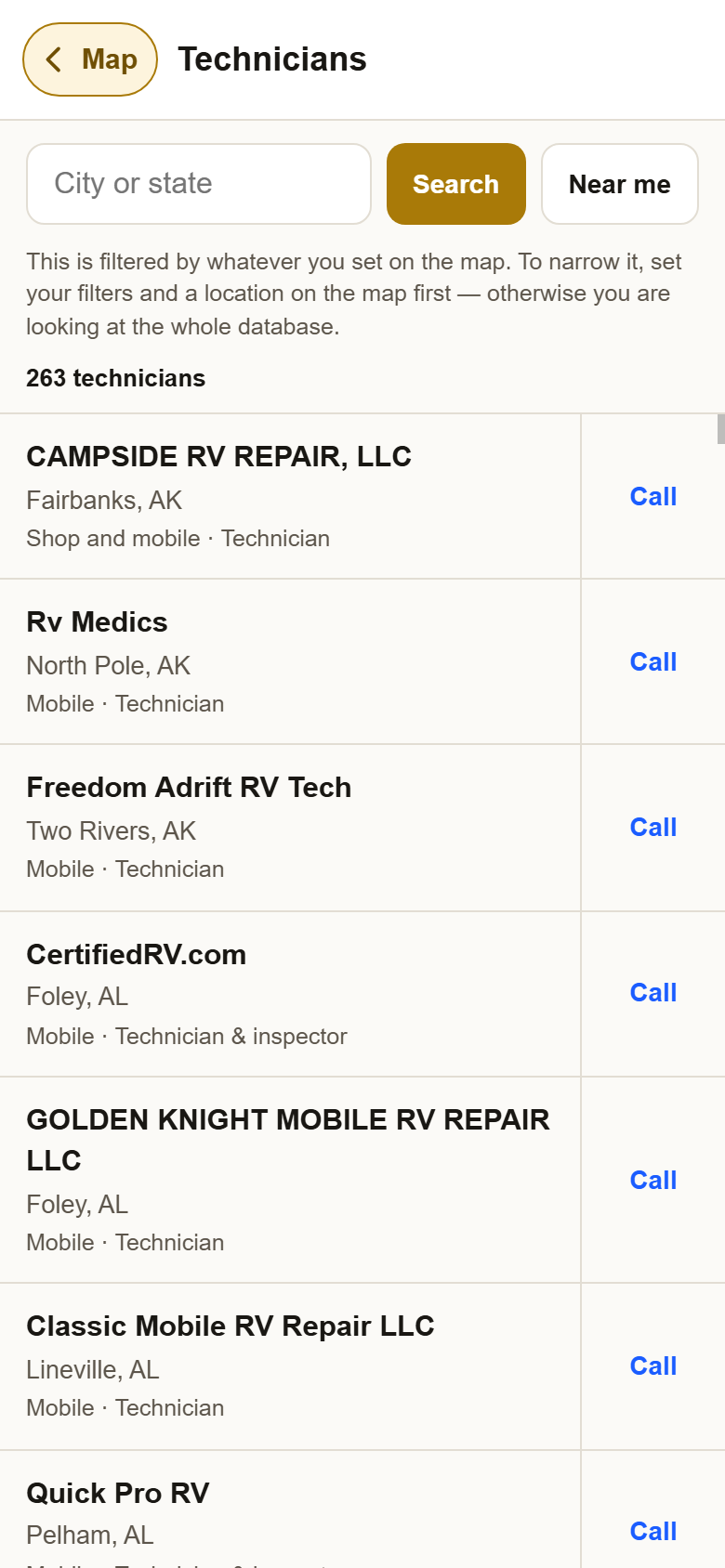
2Type a town and pick it, or press Near me, and the list sorts by distance. Each row then says how many miles away they are, their town, whether they are mobile or a shop, and what they do. Type a state on its own to see everyone in that state.
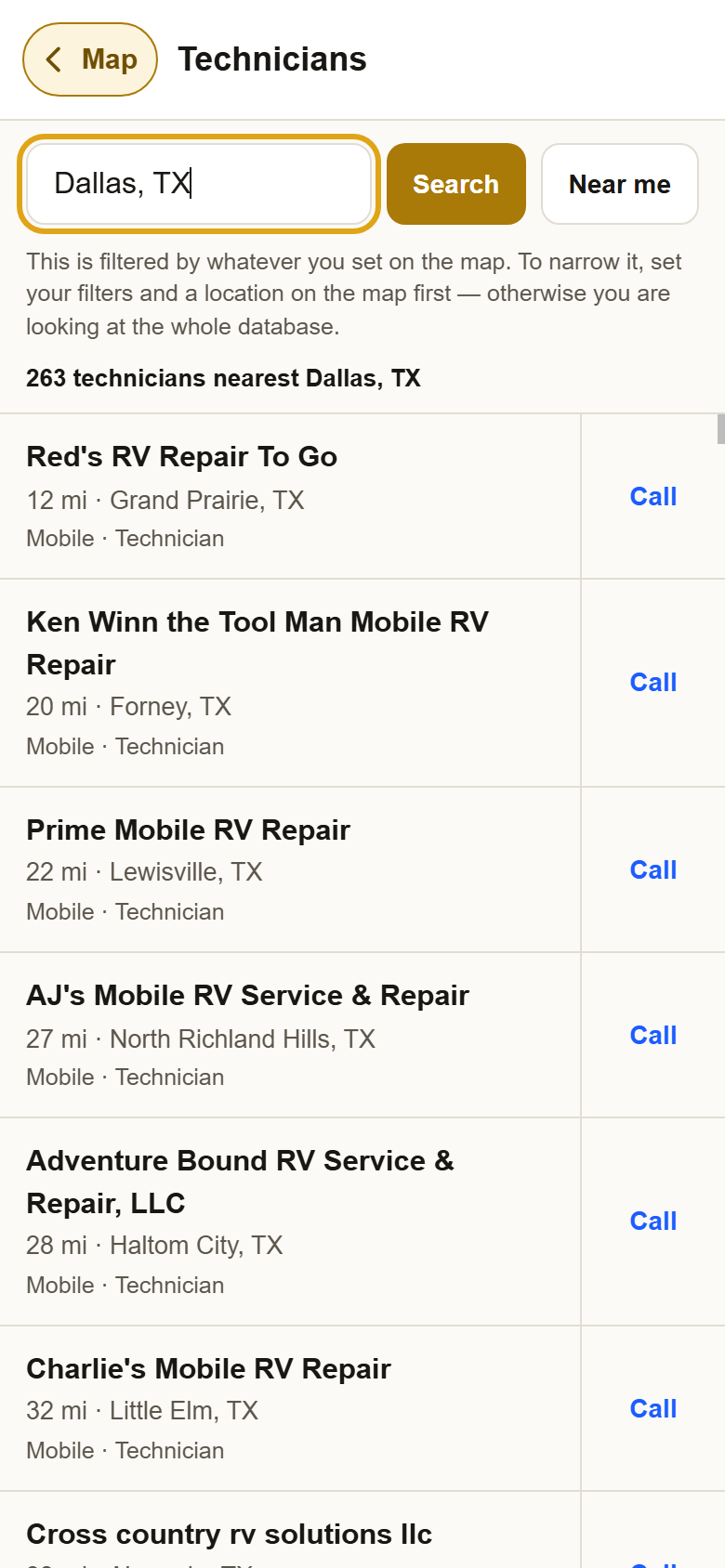
3Tap a name for their page, or Call to phone them. The name opens their full page: rates, hours, reviews and certificates. Call shows their number and dials it.
?Still stuck? A short list usually means a filter is on. Press Map, then Filters, then Clear filters. Anything else, write to support@yellowpagesrv.com.
 Yellow Pages