Press Filters, check off what you need, and the map keeps only the technicians who do it.
Inside a group, checking two means either one. Between groups, a technician has to match all of them.
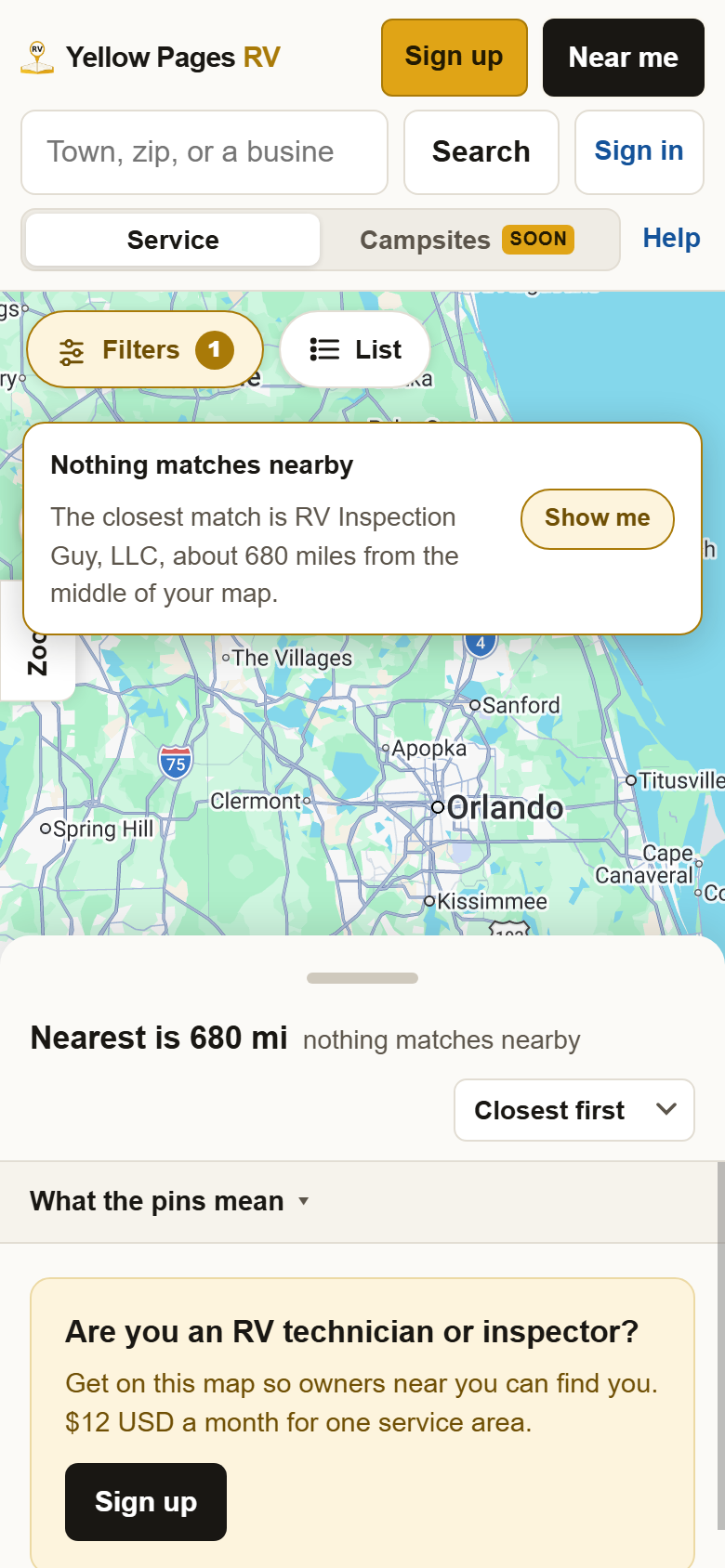
If nobody nearby matches, the map says so and names the closest one however far, rather than showing an empty map.
1Press Filters at the top of the map. A full page opens. The first line is the quick picks: Repairs, Inspections, Detailing and Winterization. Below it: how they work, your rig, the job you need done, training and certifications, warranty work, engine and chassis, and brand specialists.
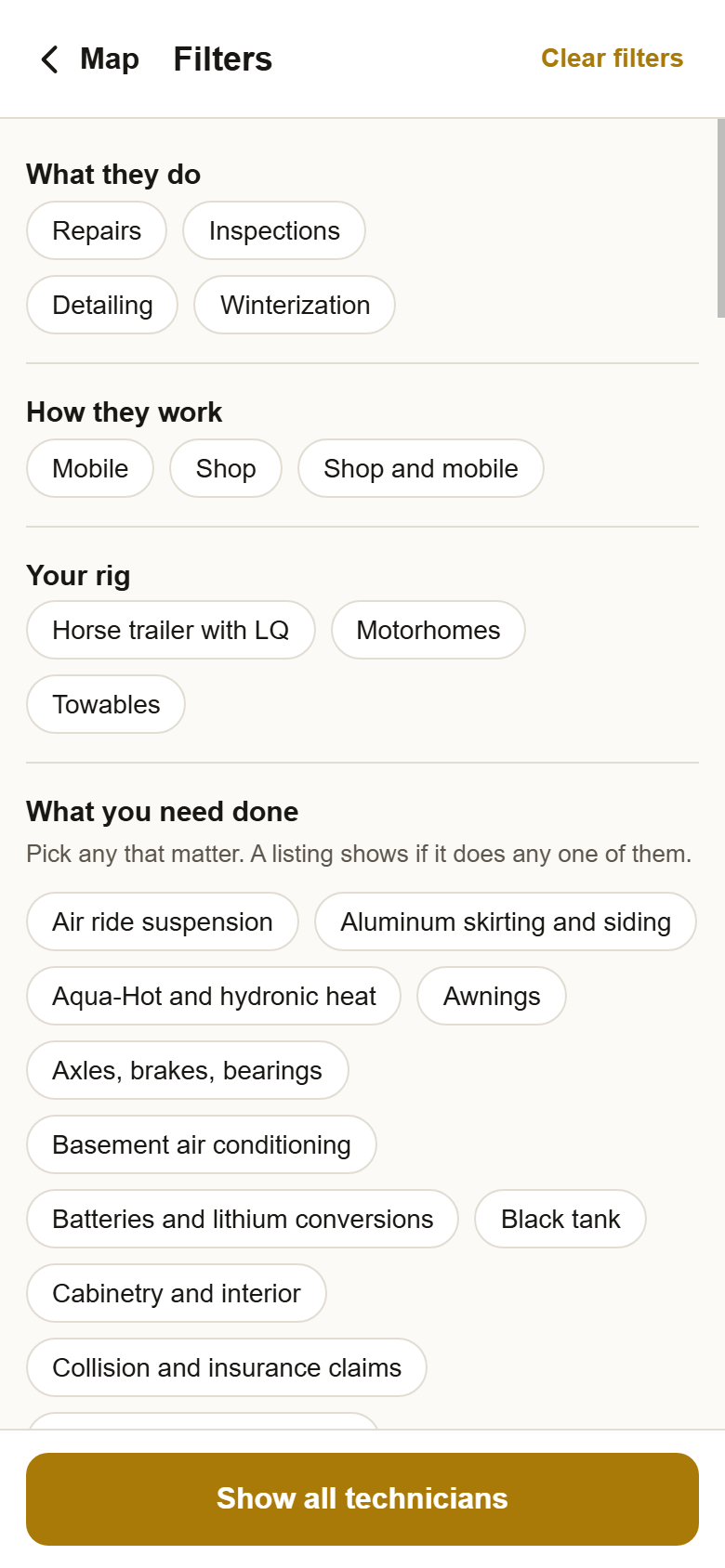
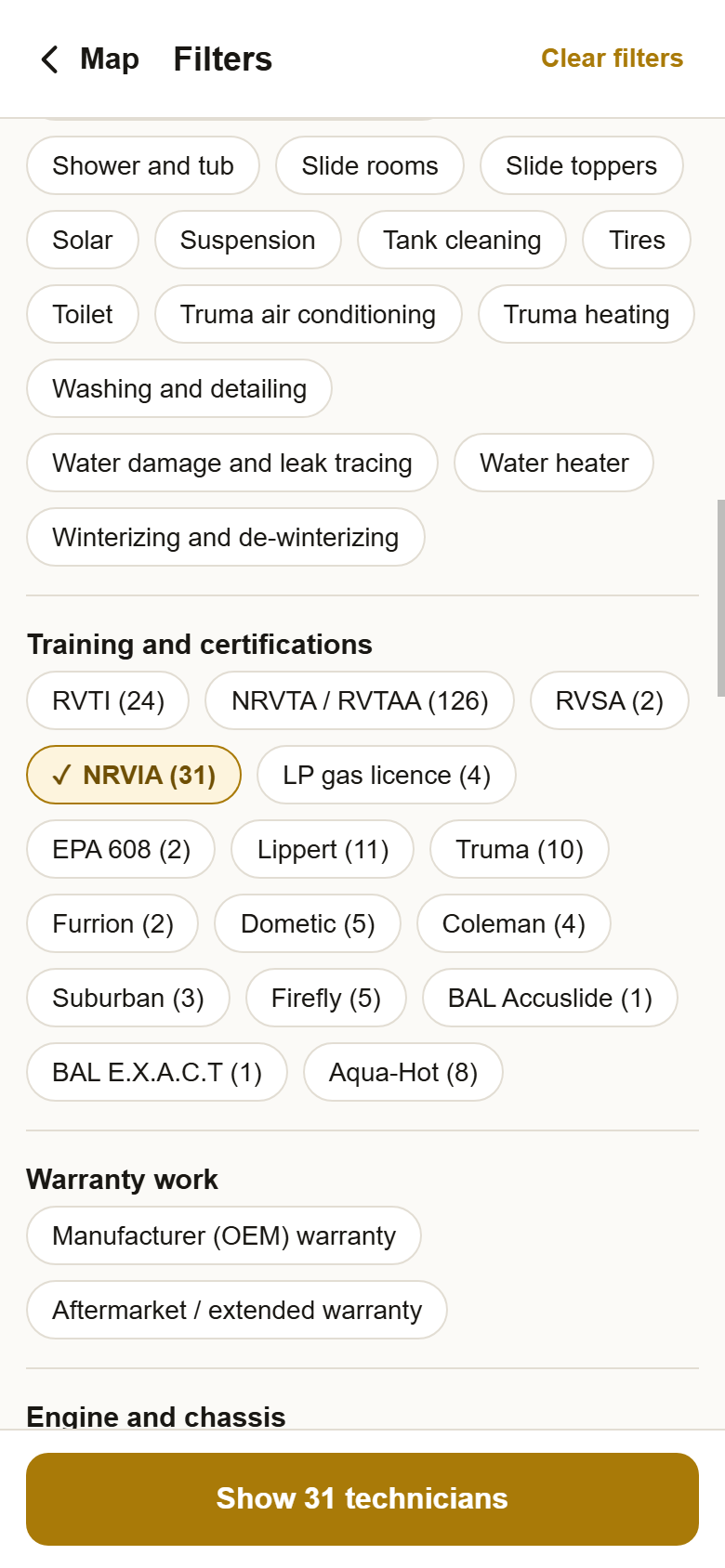
2Check off what you need. The button at the bottom counts as you go. The number after a certification is how many technicians hold it. Press Show 31 technicians when you are done, or Clear filters at the top to start again.
3Back on the map, only they are left. The Filters button shows how many filters are on, so you know why the map looks emptier. If nobody nearby matches, a box names the closest one and how far away they are. Show me jumps the map there.
?Still stuck? If the map says Nobody here yet, press Filters, then Clear filters. Not sure which job to check? Leave the job filters off and read the badges on each card instead. Anything else, write to support@yellowpagesrv.com.
 Yellow Pages