Your rating and review count only change when you change them. Once a month is a good habit.
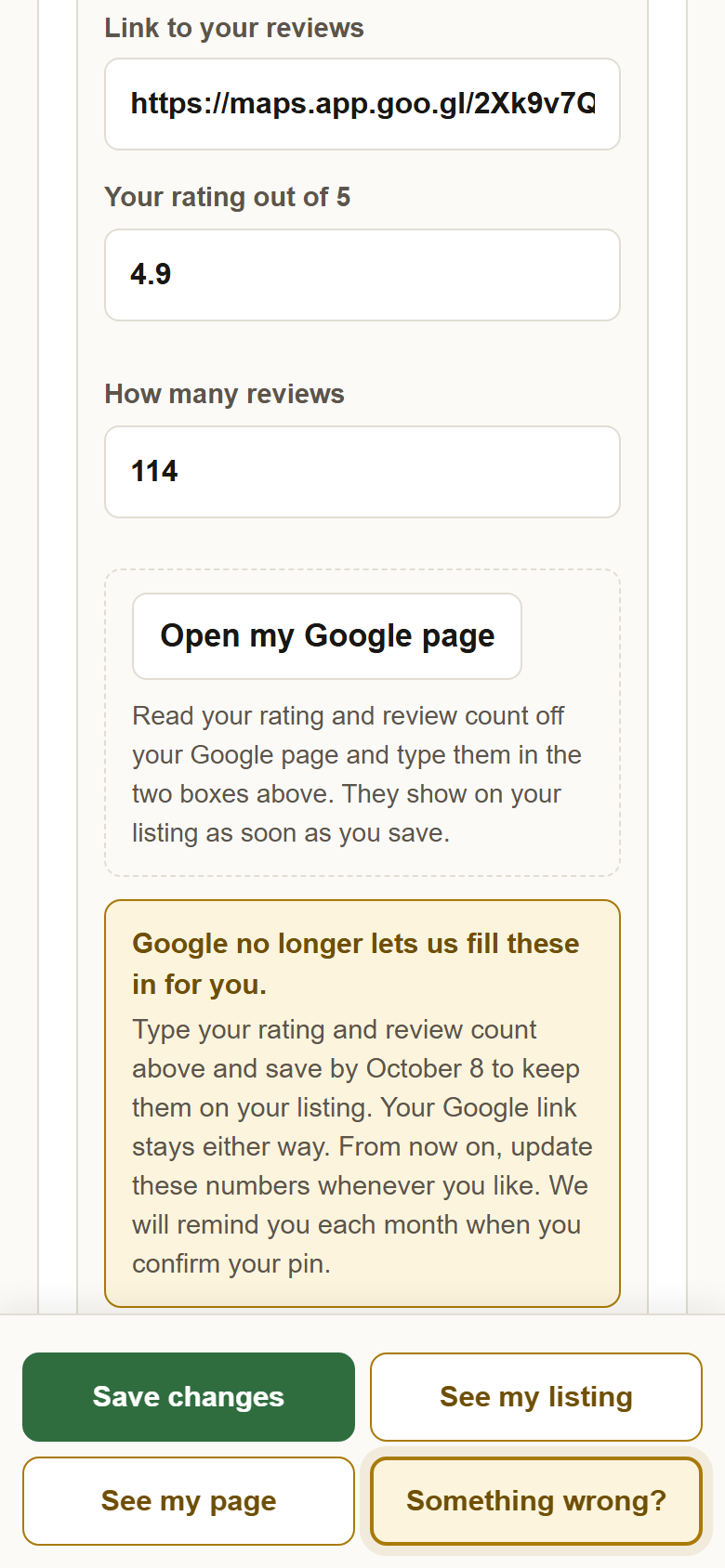
Google no longer lets us fill your numbers in for you. What shows on your listing is what you typed, until you type something else.
Every month the profile asks you to confirm your pin. The same reminder says to check your review numbers. Two minutes, once a month, and your listing never lags your page.
1Open your profile and find the card under Your reviews elsewhere. The monthly reminder email and the line at the top of your profile both link straight to it.
2Press Open my Google page, read the two numbers, and type them in. Your Google page opens in a new tab. Copy the rating and the review count into Your rating out of 5 and How many reviews. Facebook and other sites: open their page from the link you saved and do the same.
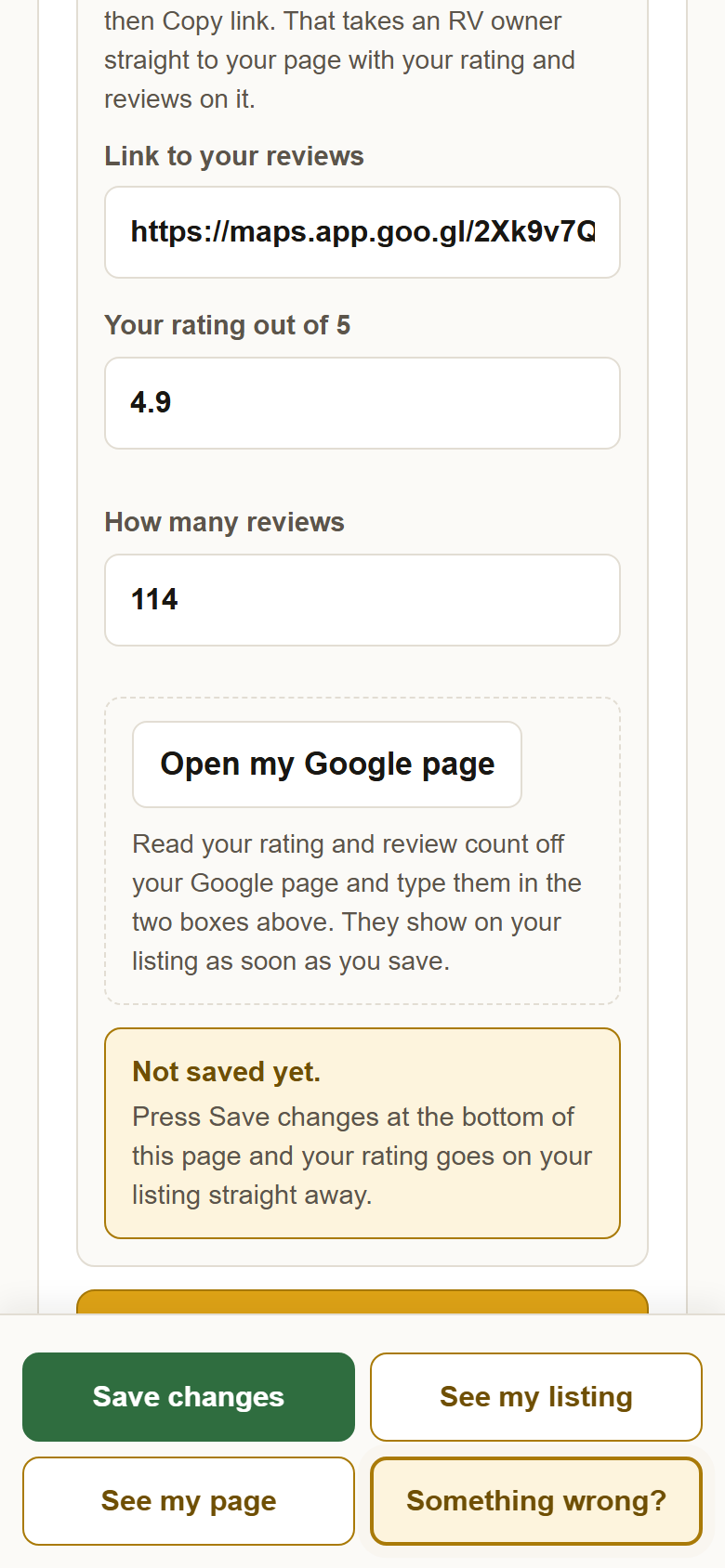
3Press Save changes. The new numbers are on your listing at once. Somebody here checks typed numbers against your page now and then; if they no longer match, they come off until you correct them, and the card says what we saw.
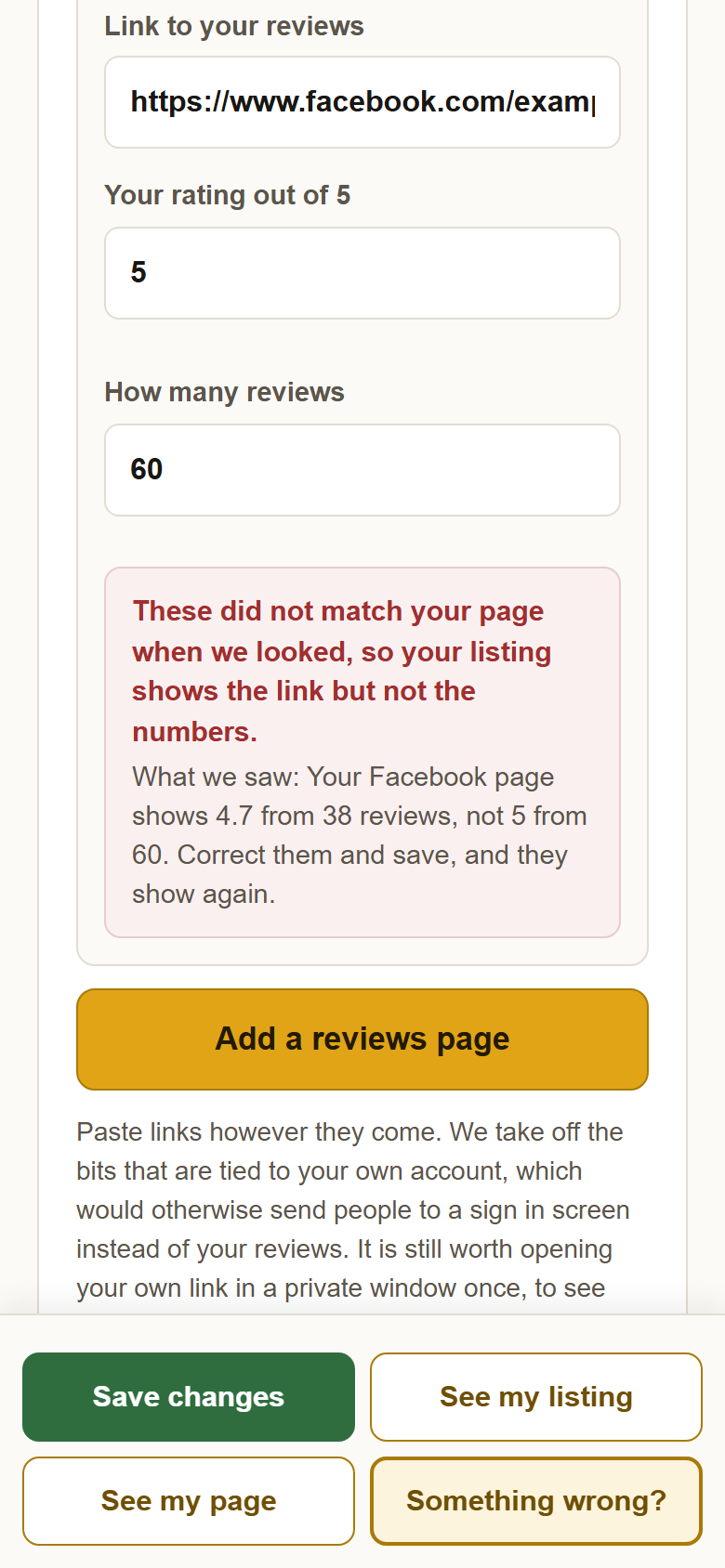
4Had a Google rating filled in for you before? Type it in yourself by October 8. Until then the old numbers stay on your listing. After that they come off, and your listing shows the Google link with no number until you type them in. The card says this in amber while it applies.
?Still stuck? Open my Google page opens nothing? The link box is empty; get the link again in Google Maps with Share, Copy link, and paste it. Anything else, write to support@yellowpagesrv.com.
 Yellow Pages