Working out of a different town for a while? Move the pin there and owners in that town find you.
Owners see your pin and your circle. Your street address is never shown.
The profile asks every month or so whether the pin is still right. Saving says yes.
1Sign in and open your profile. Go to yellowpagesrv.com, press Sign in, then the green Face ID or fingerprint button if you have set one up, or type your email and use the code or link that arrives.

2Scroll to Your technicians and where they work, and under Which town is this type the town you are working from now. Pick it from the list and the pin jumps there. Or drag the pin on the map yourself.
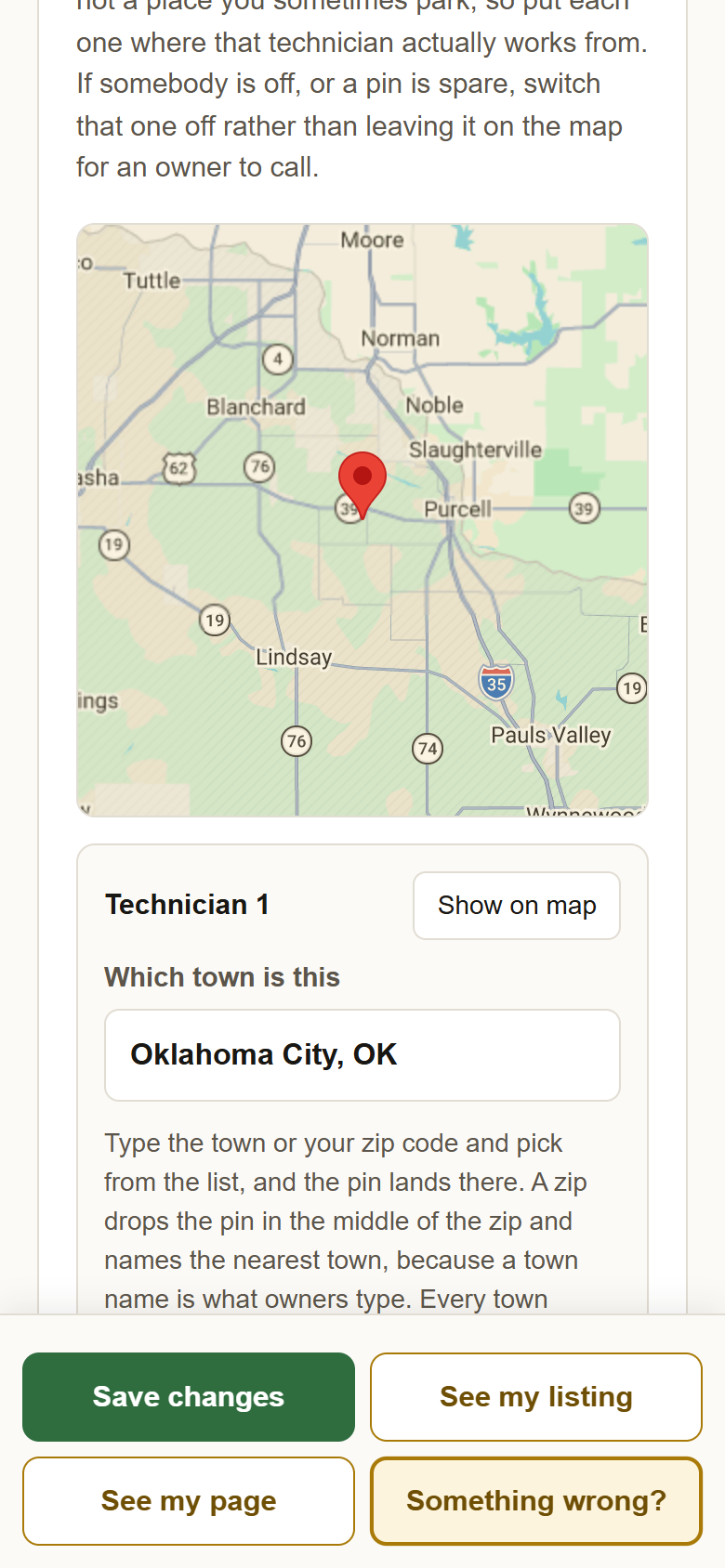
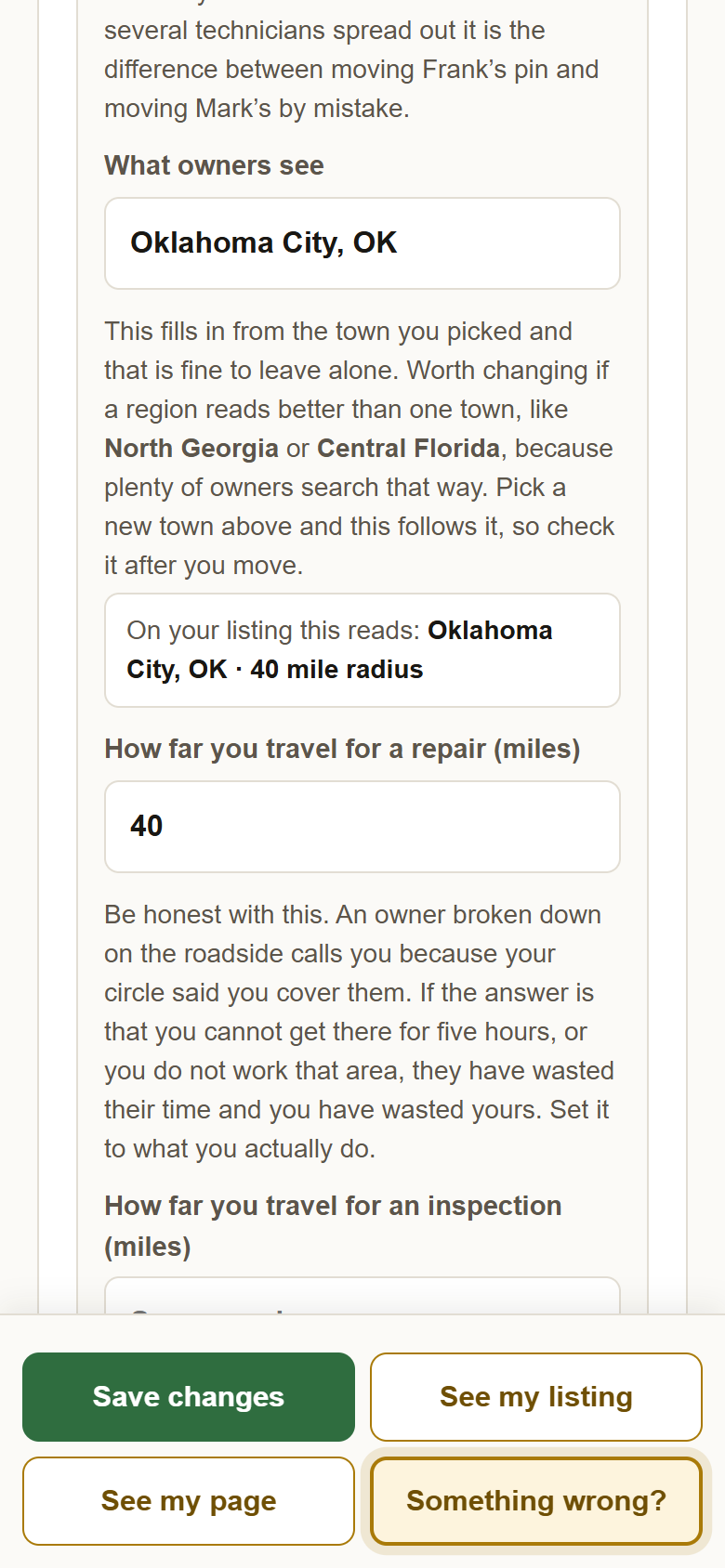
3Check What owners see, then press Save changes. It follows the new town on its own. The line under it shows exactly what your listing will say, like Tucson, AZ, 40 mile radius. Save, and the map, your listing and your page all move together.
?Still stuck? Away for a while and not working at all? Use Pausing your listing for vacation instead, which hides the pin without moving it. Anything else, write to support@yellowpagesrv.com.
 Yellow Pages